
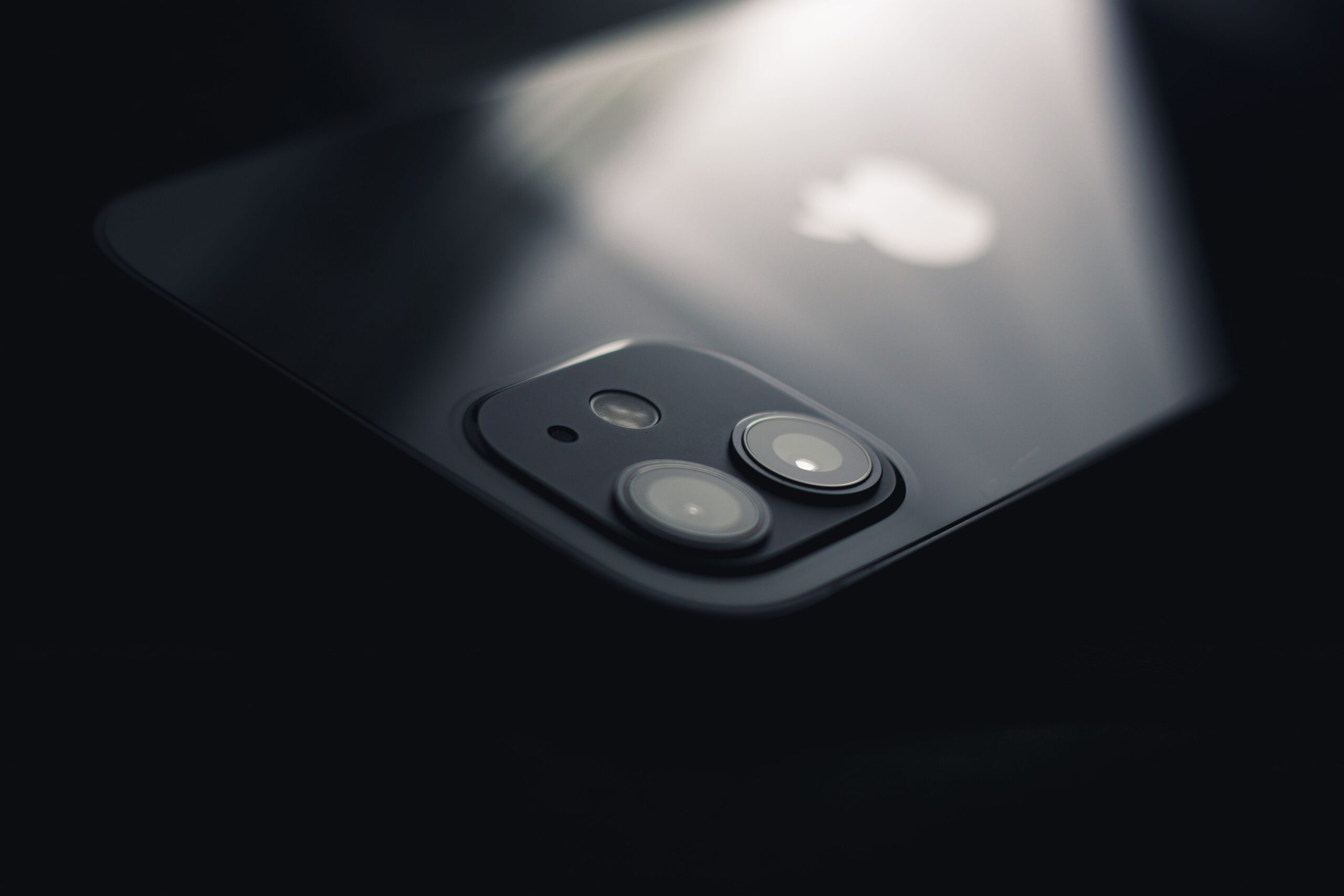
One phone’s box proudly displays 200 megapixels, while another boasts a much smaller number. If photo quality could be chosen based on a single specification, the decision would be easy. But megapixels mainly describe the number of image pixels in the final photo. Whether an image is sharp, naturally colored, and usable in the evening depends on many more characteristics of the camera as a whole.
A higher megapixel count does not automatically mean better photos. More pixels can provide finer detail in good light and more room for cropping, but the result also depends on the size and quality of the sensor, lens, stabilization, focusing, and image processing. A phone with lower resolution can therefore produce a cleaner and more pleasing photo in certain situations than a model with a higher number in its advertising.
What Is a Megapixel and What Does It Actually Measure?
One megapixel represents approximately one million image pixels. A photo with a resolution of 4,000 × 3,000 pixels has twelve million pixels, or 12 MP. This figure indicates the dimensions of the image grid, not whether the scene is properly focused, whether your hand moved during exposure, or whether the shot has good colors.
If a camera captures a blurred scene, higher resolution will not fix it on its own. It may even record the blur in greater detail. Likewise, a poorly processed night photo will not be high quality simply because the file contains more pixels. Resolution is therefore one useful technical feature, but not a universal measure of quality.
Larger photos can also result in larger file sizes. This depends on the format, compression, and image content, but using maximum-resolution mode can increase storage and transfer requirements. For photos intended only for a phone screen or everyday sharing, you may not always use all the captured detail.
Why Sensor Size Matters
The sensor converts incoming light into an electrical signal. Its physical size, design, and method of reading data all matter. Two cameras may have the same number of megapixels but differently sized sensors and different abilities to work with light. In low light, what often matters most is how much quality data the camera can capture before software processing begins.
In its technical materials, Canon describes the formation of image noise in CMOS sensors and technologies for reducing it. Noise can appear as colored specks or a grainy texture, especially in dark areas. A higher pixel count does not automatically mean more noise in every case, because modern sensors use different technologies. However, the MP figure alone does not say enough about noise.
With phones, space constraints must be considered: the camera has to fit inside a thin device. Manufacturers therefore combine optics and sensors with software processing. Two phones with the same resolution can differ more than a specification table might suggest.
Why a Phone Sometimes Takes 12 MP or 24 MP Photos With a 48 MP Sensor
A sensor’s high nominal resolution does not have to match the usual output resolution of a photo. A manufacturer may combine information from neighboring pixels or multiple shots to process light and detail. In a technical presentation, Apple describes using a 48-megapixel sensor to create 24-megapixel results by combining multiple sets of image data.
That does not mean the phone is cheating. It is a specific way in which hardware and software work together. The final file does not have to contain every sensor pixel in its original form. When comparing phones, also ask what resolution the automatic mode uses and when full resolution can be enabled.
Full resolution is useful in practice, for example when photographing landscapes in good light and you want to crop out a smaller part of the image later. For night photography or a moving child, another mode may produce a more usable result. No single setting is best for every situation.
A Lens Can Undermine Even a Highly Detailed Sensor
The optics sit in front of the sensor. Their quality affects sharpness in the center and at the edges, the amount of light, distortion, and unwanted flare. If a lens cannot render fine detail, a sensor with enormous resolution has no real information from which to create it. Software can sharpen an image, but excessive sharpening creates unnatural edges.
Today’s phones often combine a main camera with an ultra-wide or telephoto camera. Each may have a different sensor and resolution. The claim “200 MP camera” may therefore not apply to every lens. If you often photograph distant subjects, it also makes sense to look at the true optical zoom and the quality of the telephoto lens, not only the main camera’s megapixel figure.
Digital zoom is another example of the difference between pixel count and actual quality. A phone can use high-resolution headroom for cropping, but at high magnification there may no longer be enough detail left. A marketing figure for maximum zoom therefore cannot replace a sample real-world photo.
Stabilization and Focusing Are Often More Important With Motion
At longer exposure times, either your hand or the subject itself may move. Optical stabilization helps compensate for some movement of the phone, while autofocus attempts to maintain the correct focus distance. However, neither technology can completely freeze a person moving quickly in a dark room.
If you photograph pets, children, or sports, look at motion samples and focusing speed. A high-resolution phone may appear more detailed when shooting a stationary building, yet produce more failed shots when there is movement. Practical quality also includes reliability: how many shots turn out on the first attempt.
What Software Does to the Final Photo
Modern phone cameras combine exposures, adjust contrast, reduce noise, and locally alter brightness or colors. Software can bring out detail in shadows and prevent a bright sky from becoming overexposed. Sometimes, however, processing goes too far: faces look smoothed, grass appears unnaturally sharp, and a night scene looks almost like daytime.
What one user sees as a nice photo may not look natural to another. When comparing phones, it is therefore not enough to view reduced-size promotional images. Look at larger samples taken under the same conditions: portraits, backlit scenes, dim light, motion, ultra-wide shots, and zoom. Pay particular attention to hair detail, wall textures, and realistic skin rendering.
When Higher Resolution Really Helps
More megapixels are useful for heavy cropping, landscape photography in good light, documenting small details, or large-format printing. However, there must already be enough real detail in the optical image. If the result is blurred or artificially oversharpened, extra pixels will not deliver the expected benefit.
For everyday family photos, social media, and viewing on a phone, reliable autofocus, natural colors, and good low-light photos may matter more. Higher resolution is only a benefit when it helps with your specific use. Choosing based on a single number is a shortcut that can hide more important differences between phones.
Sources
- Apple Developer – Implement High Resolution Photo Capture, WWDC26 – https://developer.apple.com/videos/play/wwdc2026/304/
- Canon – CMOS Sensors, Canon Science Lab – https://global.canon/en/technology/s_labo/light/003/05.html

Gabriel Čatár
I'm interested in everyday things we encounter but don't always understand. From technology and personal finance to practical guides and fascinating facts about the world. At Offpitch, I focus on topics worth exploring in greater depth, checking the facts and explaining them in a clear, accessible way. My goal is to make sure readers take away something useful from every article.


