
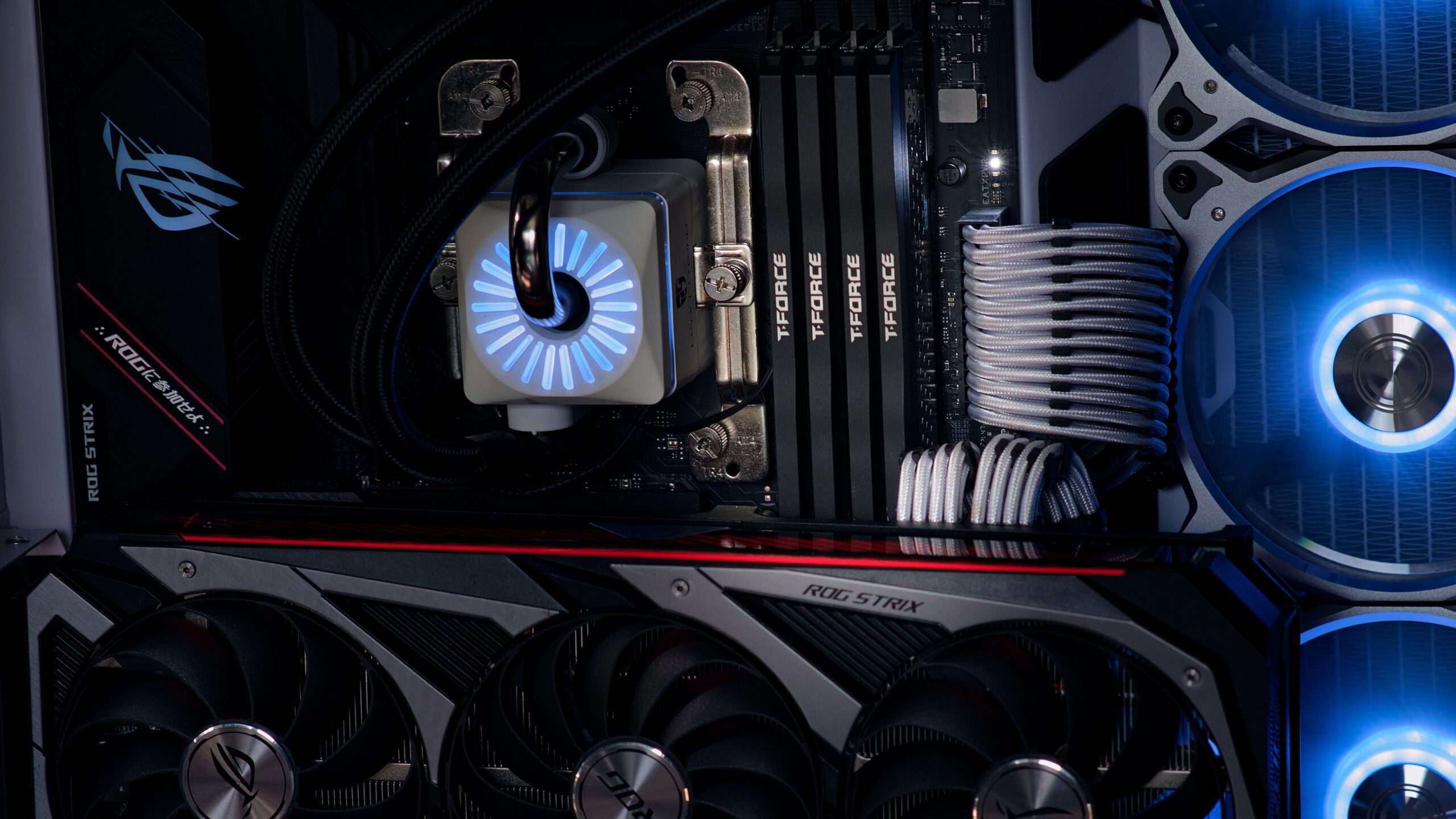
Games once fit on a single DVD; today, a store may tell you that you need more than 100GB of free space to install one. It is easy to assume that realistic graphics are entirely to blame. However, they are only one piece of the puzzle. In large games, textures, audio, videos, models, localizations, expansions and the technical way files are packaged all add up. Even two versions of the same game can have different sizes.
Modern games can take up more than 100GB mainly because of large visual and audio assets, extensive game worlds, multiple language versions, videos and additional content. Size is also affected by compression and by developers’ decisions about which files should be installed together. The required free space may not match the download size itself, since additional space may be needed for unpacking files or applying updates.
Graphics Are Not Just About Polygon Counts
A game world consists of models for buildings, characters, vegetation, vehicles and countless objects. Models define the geometry, or shape, of individual objects. But a model’s triangles are not the whole story. Objects are often assigned textures for color, roughness, reflections, normals and other material properties. A single model can have several separate image layers.
In its technical documentation for Nanite, Epic Games gives a specific example in which even a compressed, highly detailed model takes up substantially less space than some of its texture maps. This has a practical implication: a highly detailed game object does not add storage requirements through geometry alone. The quantity and resolution of the materials applied to it also play a role.
If a game includes hundreds of unique buildings and environments, the files quickly add up. Developers can use shared textures, optimization and compression, but not every artistic goal allows identical data to be reused everywhere. An open world can therefore resemble a large warehouse of digital materials rather than just a single program that renders them.
Why High Resolution Means More Data
A texture with more pixels can retain finer surface details. At the same time, it generally requires more data than a smaller version in a comparable format. If a developer creates a separate pack of detailed textures for a powerful console or PC, the installation size can change noticeably.
For example, Bethesda lists a separate higher-resolution texture pack for Indiana Jones and the Great Circle that increases storage requirements by tens of gigabytes. This figure should not be treated as a universal value for all games. It does show, however, that two installations with the same base title can differ in size depending on the graphical assets they include.
Not every large game automatically has better graphics. File size also depends on how efficiently assets are processed and reused. A well-designed system can achieve similar visual quality with less data, while a poorly packaged game can be huge without delivering a corresponding benefit to the player.
Audio and Voice Acting: An Inconspicuous Factor
A modern game may contain hours of dialogue, radio broadcasts, music and sound effects. If it has full voice acting in multiple languages, the individual language tracks may be separate files. Sometimes players download only their chosen language; at other times, the package includes several options at once. This is why language, platform and storefront can affect the size of the same game.
Microsoft describes the option to create language-specific packages with its Intelligent Delivery technology, so that unnecessary localizations are not installed. The practical result is a smaller footprint for the user. If a publisher does not use this approach, an installation may retain data that a particular player will never use.
Official Age of Empires IV support shows differences between platforms and language packs. Through some distribution channels, the storage requirement is based on the maximum amount of language content, while another version reserves space for only one language. This does not mean that one version contains “more game”; it may simply handle the available data differently.
Cutscenes, Bonus Content and Expansions
Pre-rendered cutscenes can contain large amounts of visual data. In some games, everything is created in real time by the game engine; in others, video files are included in the installation. Their size depends on length, resolution, audio tracks and compression. A game with several hours of video may therefore take up more space than one with a similar amount of gameplay.
Maps, expansion packs, cosmetic content, photo mode, additional missions and localized videos also contribute to the final figure. Not every title lets you remove these parts separately. If a game requires a single unified package, players may have data files installed that they do not use.
When comparing the size of two games, check whether the figures include only the base game or also updates, DLC and optional graphics packs. Without this distinction, it is easy to compare different versions and draw the wrong conclusion.
Why I Download Less Data Than the Game Uses on My Drive
Downloaded files are often compressed and then processed into a form suitable for use after installation. As a result, the amount of data transferred over the internet may differ from the final amount of disk space occupied. Sometimes some data must be unpacked again or moved, requiring additional temporary space during installation.
During updates, the system may create new versions of files before deleting the old ones. In that case, having exactly as much free space as the listed size of the downloaded patch may not be enough. The outcome depends on the game, the storefront client and the update method. It is not accurate to claim that every patch always doubles the entire installation.
If a game refuses to update because of insufficient space, check the free-space requirement and the publisher’s information. Deleting random files from the game folder can damage the installation and force a new download. A safer option is usually to manage optional packages through the supported game store or move the game according to its instructions.
Why Some Games Are Small Despite Looking Great
Developers can reuse textures, generate parts of environments procedurally, use more efficient compression, share materials and install only the languages that are needed. Epic notes that an efficient geometry format can reduce model sizes, although demanding textures remain a separate issue. Technical decisions, rather than just a game’s age or budget, are therefore what matter.
A smaller size is not automatically a guarantee of better performance optimization either. A game may use little disk space while still placing high demands on the processor or graphics card. Storage capacity, system memory and graphics performance are different parameters. A 100GB requirement alone does not tell you whether a title will run smoothly.
What You Can Do When Your Drive Is Full
First, verify the official size for your platform and specific edition. Find out whether the store allows you to remove an unnecessary language, high-quality textures or an optional expansion. On consoles, check the supported storage expansion options; not every external drive can run every generation of games directly from it.
Do not confuse deleting save files with uninstalling game data. Before changing save files, make sure you have a reliable backup or supported synchronization. Once you understand the difference between the base game, DLC, a graphics pack and temporary update space, a 100GB figure makes much more sense.
Sources
- Epic Games – Nanite Technical Details, Data Size – https://dev.epicgames.com/documentation/unreal-engine/nanite-technical-details
- Microsoft Learn – Localization of packaged resources, Intelligent Delivery – https://learn.microsoft.com/en-us/xbox/gdk/docs/gdk-dev/game-principles/localization/localization_of_packaged_resources?view=gdk-2604
- Age of Empires Support – Age IV download size – https://support.ageofempires.com/hc/en-us/articles/4403960012052-Age-IV-download-size
- Bethesda Support – How much storage space does Indiana Jones and the Great Circle require on consoles? – https://help.bethesda.net/app/answers/detail/a_id/67935/~/how-much-storage-space-does-indiana-jones-and-the-great-circle%E2%84%A2-require-on

Gabriel Čatár
I'm interested in everyday things we encounter but don't always understand. From technology and personal finance to practical guides and fascinating facts about the world. At Offpitch, I focus on topics worth exploring in greater depth, checking the facts and explaining them in a clear, accessible way. My goal is to make sure readers take away something useful from every article.


