
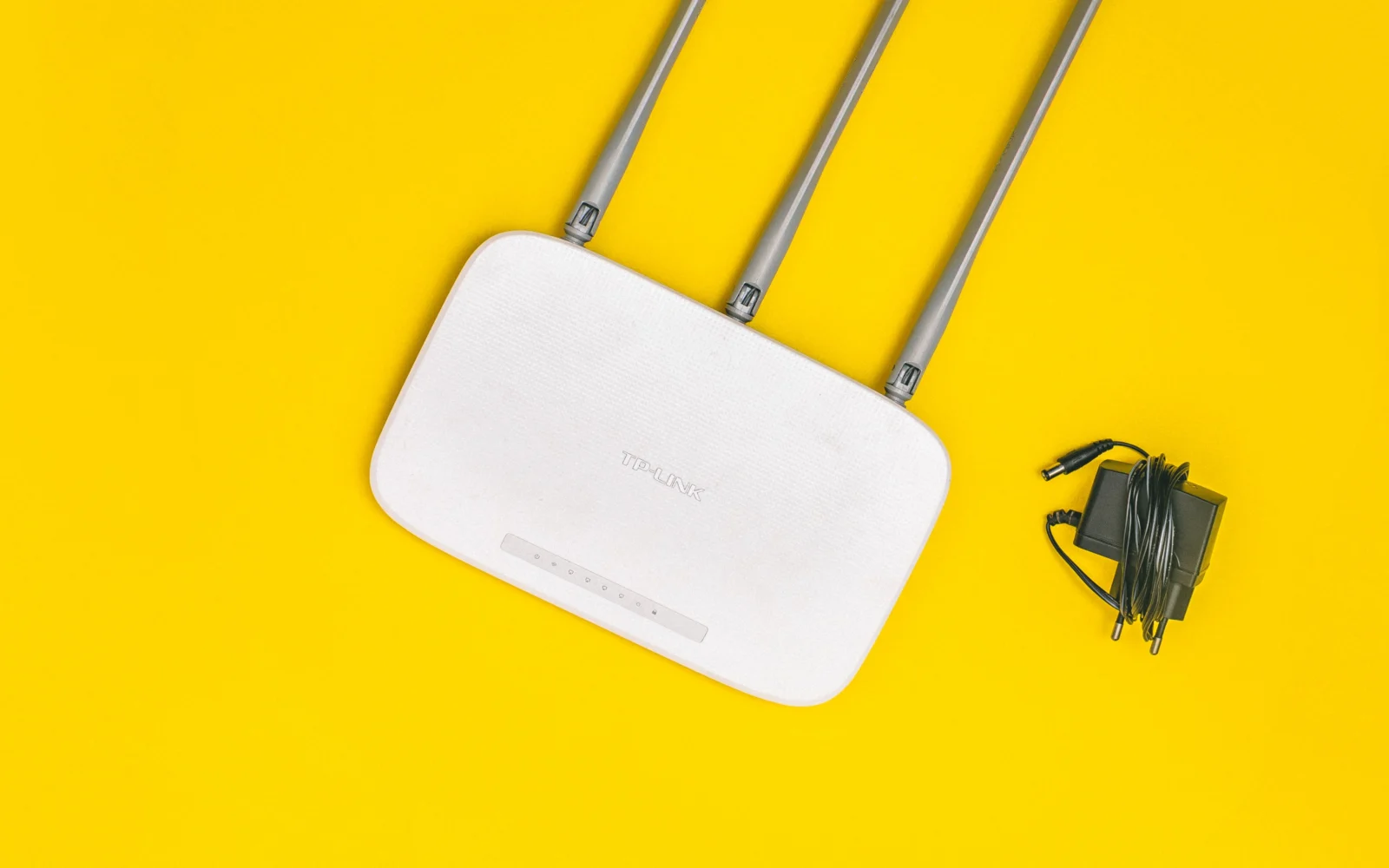
In the morning, websites load instantly, but after dinner the TV starts lowering picture quality and video calls break up. It may seem like proof that your internet provider is deliberately slowing down your connection. In reality, the cause could lie in the wider network, your home router, the wireless connection, or a specific service. A few measurements—not a single speed test result—can help distinguish between them.
Internet may slow down in the evening because more users are placing simultaneous demand on the provider's network or the home connection, but congested Wi-Fi or a remote server may also be the cause. Measure speed, ping, and responsiveness under load over a wired connection in both the morning and evening. If only Wi-Fi gets worse, focus on the home network; if the wired connection drops as well, collect measurements for your provider.
What changes when everyone gets online at the same time in the evening?
The internet is not one unlimited pipe running directly from your device to every website. Data travels through your home network, the access technology, the provider's network, and other interconnection points. Some parts of the infrastructure are shared by multiple households. If peak-time demand exceeds the available capacity of a particular section, transmissions may have to wait in a queue or share the available bandwidth.
Evening streaming, game updates, and photo backups can also use up your own connection. That is why two households with the same plan can have different experiences. It depends on the access technology, actual capacity, and what the devices in the home are doing at that moment.
Evening slowdowns alone do not prove that the provider is intentionally limiting speeds. It may be a capacity issue, interference, or an overloaded service server. The exact reason cannot be determined reliably without comparable measurements from the same household.
Why is the internet slow even though a speed test shows good results?
A download test measures how much data can be transferred per second under given conditions. On its own, however, it does not tell you whether online games or calls will be responsive. Latency—the time needed to receive a response—also matters. If it rises sharply while uploading a video, voices in a call may be delayed even when download speeds are decent.
One possible cause is bufferbloat. A router or another device queues too many packets when a bottleneck is under load. The result is worse responsiveness, even though transfer capacity may still appear acceptable. Bufferbloat.net therefore recommends measuring latency not only when the connection is idle, but also during downloading and uploading.
Similarly, only one streaming server, a particular game, or the route to it may be failing. If ordinary websites work but one application does not, the fault may not be in the final stretch of the internet connection.
How can you find out where the problem is in 20 minutes?
First, make a controlled comparison. Use the same computer and the same test, ideally one that lets you monitor latency under load. Repeat the measurement when everything is working and in the evening when the problem occurs.
- Pause backups, large downloads, and updates in the home. Test with as little additional load as possible.
- Connect the computer to the router with an Ethernet cable, if the equipment allows it. Record the time, download speed, upload speed, and latency.
- Repeat the test over Wi-Fi near the router, then in the room where you notice the problems.
- If the test shows responsiveness under load, compare it with idle latency. A significant difference is a useful clue.
- Try more than one online service. A problem with a single video is not the same as a problem with the entire internet connection.
You cannot draw a definitive conclusion about contractual performance from one short measurement. Repeated records showing the date, time, and device used are more persuasive for the provider. If you use your own router behind the provider's equipment, technical support may ask you to compare results without it as part of the diagnosis. However, do not change settings blindly.
What do different test results mean?
If the wired connection performs well in both the morning and evening but Wi-Fi fluctuates significantly, investigate the wireless side first. Dense housing, neighboring networks using the same channels, long distances, and thick walls can all reduce performance. Moving the router and checking the frequency band may help more than paying for a more expensive internet plan.
If speeds also repeatedly worsen at the same times over a wired connection, the record may point to a problem outside the Wi-Fi network. However, it still does not distinguish between congestion in the access network, an equipment fault, and a remote server. The provider has a better view of its own lines, so send it the specific measured values and time intervals.
If download speeds remain high while ping increases severalfold during uploads, investigate upload usage and queue-management settings, which some routers label as SQM or smart QoS. Not every model has them. Do not disable security features or install unknown firmware simply because it promises miraculous speed improvements.
Will restarting the router or changing DNS help?
A restart may temporarily clear a stuck process or device error, but it will not solve recurring congestion caused by limited connection capacity. If the problem returns every evening, document it instead of turning the router off every day. Also check whether the device is overheating and whether it has secure, manufacturer-recommended updates.
Changing DNS can affect how a website address is resolved, but it cannot increase the physical throughput of the line. It is therefore not usually a universal fix for video-call or download problems. Likewise, switching a phone to 5 GHz Wi-Fi will not automatically solve congestion in the provider's network segment.
If you use the internet in an apartment building, you may notice that some interference occurs only at certain times. Comparing wired and wireless tests is more useful for identifying it than guessing based on how many neighboring windows are lit up.
When should you file a complaint with your provider?
Compare the contractually stated service parameters with the results of an appropriate measurement. Save screenshots or exports, including the time and whether the connection was wired. Also describe whether there is a complete outage, low transfer speeds, or high latency. These are three different symptoms and may have different causes.
Tell the provider that the problem recurs, for example in the evening over several days, and request diagnostics. If technical support suggests another measurement, record its result as well. Only once you know where the bottleneck is can you sensibly decide whether a repair, changed settings, or a different plan is needed.
Sources
- Cloudflare – How does Cloudflare’s Speed Test really work? (throughput, latency, and connection quality) – https://blog.cloudflare.com/how-does-cloudflares-speed-test-really-work/
- Bufferbloat.net – Bufferbloat FAQs (packet queues and latency under load) – https://www.bufferbloat.net/projects/bloat/wiki/Bufferbloat_FAQs/
- Bufferbloat.net – Tests for Bufferbloat (methods for comparing idle and loaded responsiveness) – https://www.bufferbloat.net/projects/bloat/wiki/Tests_for_Bufferbloat/

Gabriel Čatár
I'm interested in everyday things we encounter but don't always understand. From technology and personal finance to practical guides and fascinating facts about the world. At Offpitch, I focus on topics worth exploring in greater depth, checking the facts and explaining them in a clear, accessible way. My goal is to make sure readers take away something useful from every article.


