
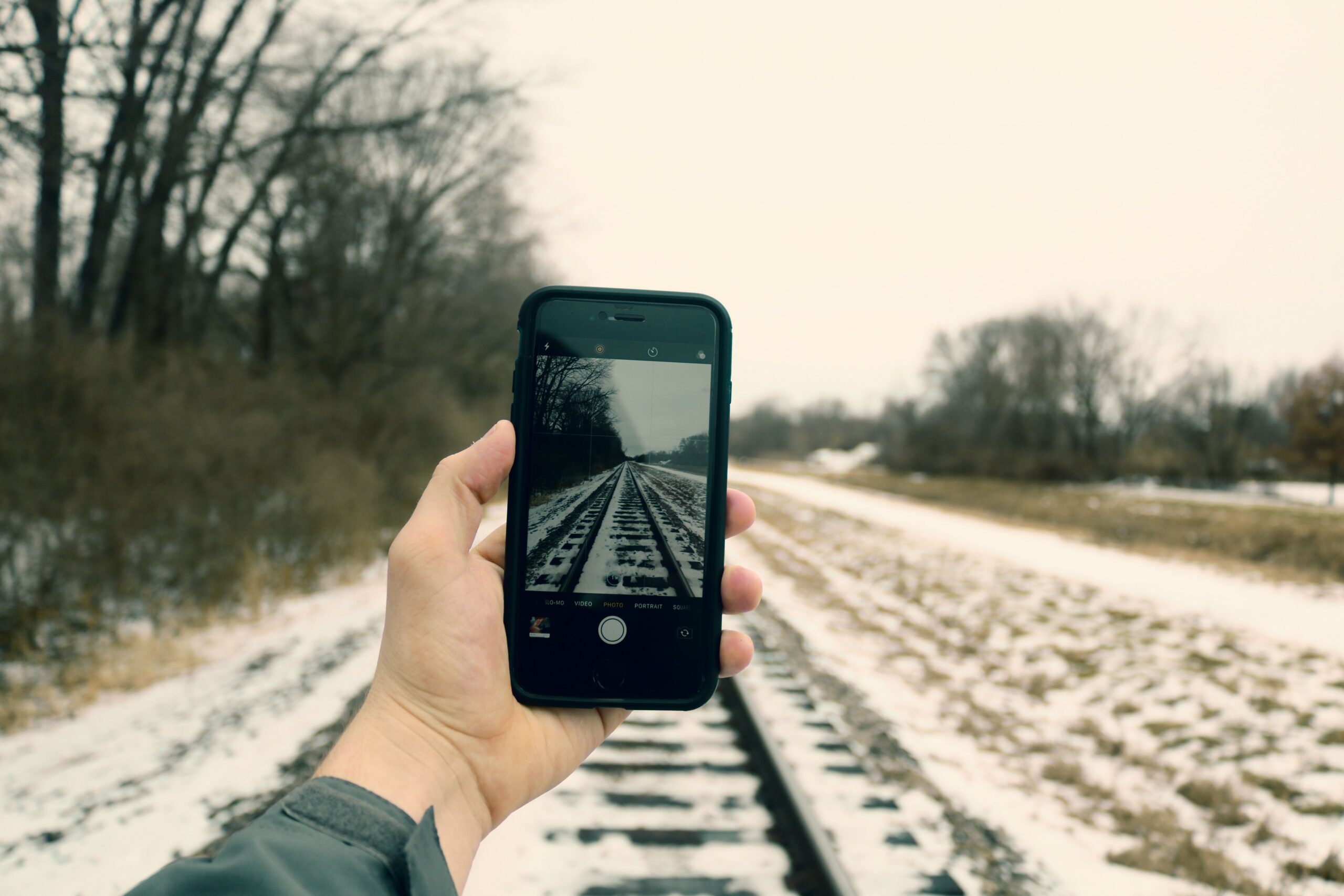
You may still have a third of your battery left while waiting at a bus stop, yet your phone shuts down after a few minutes in freezing weather. Once you get home and it warms up, it starts working again and may even show a higher percentage. This does not necessarily mean that someone damaged the phone or that the battery has permanently failed. Cold can temporarily affect a lithium-ion battery’s performance and its estimate of the remaining charge.
In winter, a phone may drain faster or shut down unexpectedly because low temperatures limit the performance of its lithium-ion battery and increase voltage drop under load. The phone may then be unable to draw the energy it needs safely. Once it warms up gradually, battery life may temporarily return to normal. However, repeated shutdowns even in warm conditions may indicate a worn battery or another fault.
What happens inside a battery when the temperature drops?
Smartphones mainly use lithium-ion batteries. The chemical processes that allow them to deliver energy work less effectively at low temperatures. Their internal resistance rises, and voltage can drop more significantly during demanding tasks. A device’s electronics have protective limits: if the voltage is insufficient for safe operation, the phone may reduce performance or shut down.
In its battery guidance, Samsung explicitly links extreme cold with a greater voltage drop and temporary device shutdowns. Apple warns that using an iPhone in cold conditions outside its normal temperature range can temporarily shorten battery life and cause it to shut down. This is therefore neither a myth nor a feature limited to one particular brand.
The phrase “the battery is draining” can be misleading. In cold weather, some of the energy may not be immediately available in a form that allows the phone to operate properly. That is why the percentage reading can change after the phone warms up. It does not mean that warm air has magically recharged the battery; the conditions and the estimate of available energy have changed.
At what temperature does a phone start getting cold?
Apple states that the normal ambient operating range for iPhone and iPad is 0 to 35 °C. Samsung identifies the same range as optimal for Galaxy smartphones. This does not mean that every phone will immediately shut down at minus 1 °C. The outcome also depends on the temperature of the battery itself, its condition, how long the phone has been outdoors, and the current workload.
A phone in the inside pocket of a winter jacket is usually warmer than the same device left on a metal bench. When using navigation with the device mounted on bicycle handlebars, it is exposed to cold airflow and does not have the thermal protection of clothing. Taking photos or recording video also uses more power, so a weak or very cold battery may fail sooner.
The temperature range specified for storage is not the same as the recommended range for operation or charging. A manufacturer may allow a powered-off device to be stored at temperatures at which it would not recommend using it. As guidance varies by model, follow the documentation for your specific device.
Why does a phone shut down with 20 or 30 percent battery remaining?
The percentage on the screen is not a direct measurement of the amount of energy in the battery. It is an estimate calculated by the device’s electronics and software. In cold weather, the voltage under load can drop so sharply that the device cannot complete an operation, even though the estimate still shows some charge remaining. Once it warms up, the voltage or its behavior may change and the phone can start again.
The problem can be more pronounced with an older battery. Batteries gradually lose capacity and their ability to deliver high instantaneous power. Extreme cold adds further strain. Samsung states that frequent unexpected shutdowns may be a reason to have the battery’s condition checked by a service center.
You should not assume that a battery replacement is necessary after the first winter shutdown. If the phone works normally in warm conditions, monitor the situation. If it also shuts down at room temperature, battery life has declined significantly, or other unusual symptoms appear, it makes sense to check the battery’s condition and contact a service center.
How can you protect your phone from freezing during everyday use?
Keep it close to your body
When hiking or waiting for a bus, an inside jacket pocket or another protected place can help. The phone will not be exposed to direct wind and rapid cooling as intensely as it would be on an external mount. However, watch out for moisture and sweat; the device should not be wrapped in wet fabric.
Limit unnecessarily demanding tasks
If the device is already very cold and the battery is low, recording long videos, playing games, or using several demanding apps at once can increase power consumption. When using navigation, remember safety: prepare the map or route in advance, and do not operate the phone while driving. Turning on power-saving mode may limit some processes, but it will not eliminate the cold itself.
Keep some battery in reserve for communication
If you rely on your phone while hiking in winter, do not depend on the last few percent of charge. Prepare an offline map, necessary contacts, and a suitably protected power source in advance. An external battery also loses available performance in freezing weather; it is not exempt from the laws of physics. A safe route and informing someone close to you where you are going are also important.
Can I warm up my phone with a hair dryer or put it on a radiator?
No. Rapid, uncontrolled heating can damage the electronics or the battery. Do not warm the phone near an open flame, on a radiator, in an oven, or with a hair dryer. It is safer to move it to a moderately warm room and allow it to acclimatize gradually. Google explicitly recommends gradually warming up cold Pixel phones.
Condensation can form when moving from freezing weather into a warm, humid room. If the device is visibly wet, do not connect it to a charger immediately; follow the manufacturer’s instructions regarding moisture and the charging port. Protecting the battery from cold does not mean exposing it to the opposite extreme.
Is it safe to charge a phone immediately after coming in from the cold?
Allow a very cold battery to gradually reach its normal operating temperature before charging it. Manufacturers may automatically limit or pause charging outside the appropriate temperature range to protect the battery. Do not bypass this protection or try to force the device to warm up while it is connected to a charger.
Apple distinguishes between normal operating and storage temperatures, while Samsung states that extreme temperatures may lead to charging restrictions. The manufacturer of the model always determines the specific procedure when a temperature warning appears. If there is visible damage, a swollen battery, or repeated charging problems, do not continue putting the device under strain and seek service.
How can you tell an ordinary winter issue from a worn-out battery?
Look at the difference between outdoor freezing conditions and normal room temperature. If the phone lasts a reasonable amount of time in warmth but suddenly shuts down after being outdoors for a longer period, cold is an important clue. However, if it shuts down after a short call even at home, loses power quickly overnight, or charges unusually, the cause may be different.
Check the system battery information if your model provides it, and review the power use of individual apps. After a system update, additional optimization may continue for some time, so not every reduction in battery life is related to the weather. If the problems persist, diagnostics and an authorized service center are more useful than repeatedly draining the phone to zero.
Cold usually causes a temporary reduction in usable performance, not an immediate permanent loss of capacity. Long-term battery wear is a different phenomenon, although it may become more noticeable in winter. The simplest protection is to avoid letting the phone freeze, charge it at a suitable temperature, and have its technical condition checked if shutdowns recur.
Sources
- Apple Support – If your iPhone or iPad gets too hot or too cold – https://support.apple.com/en-gb/118431
- Samsung – Galaxy Battery: Care and Maintenance – https://www.samsung.com/us/support/galaxy-battery/care-and-maintenance/
- Samsung – Galaxy Battery: About Battery – https://www.samsung.com/us/support/galaxy-battery/about-battery/
- Google Pixel Phone Help – Check and understand your Pixel's temperature – https://support.google.com/pixelphone/answer/15679416?hl=en-GB

Gabriel Čatár
I'm interested in everyday things we encounter but don't always understand. From technology and personal finance to practical guides and fascinating facts about the world. At Offpitch, I focus on topics worth exploring in greater depth, checking the facts and explaining them in a clear, accessible way. My goal is to make sure readers take away something useful from every article.


